| USDA Forest Service |  |
| USDA Forest Service | |
|
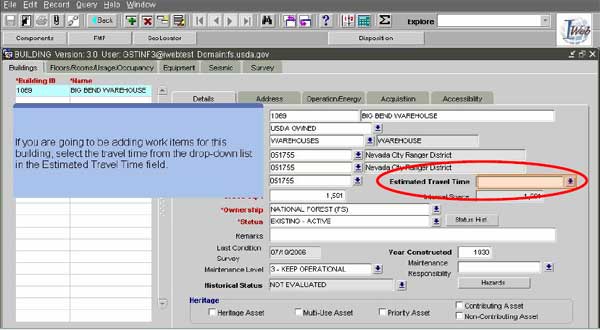
You cannot edit cost factor numbers for any type of task (new or legacy) because all cost factor numbers are system generated. You can edit one of the four factors though; the one based on travel distance. By editing the Estimated Travel Time field in the Buildings application (shown above) for a specific building, you are changing the cost factor numbers for all of the nonlegacy tasks of that building. You are also changing the cost factor for that building. Back to Work Tasks... |
| |
 Back | Next Back | NextCover Page Home |
23 of 33 |